
Caffeine
Caffeine is a tiny free Windows utility from Zhorn Software that keeps your computer awake and stops the screen from locking or sleeping.
306.0 KB
Windows 10 Update Assistant is a free Microsoft tool that updates a Windows 10 PC to the latest feature update without waiting for Windows Update.
Average 0.0 · ratings: 0
Thank you! Your rating is saved; you can change it. Could not save the rating. Please try again later. Too many ratings from your network today. Please try again tomorrow. The average appears after 5 ratings.
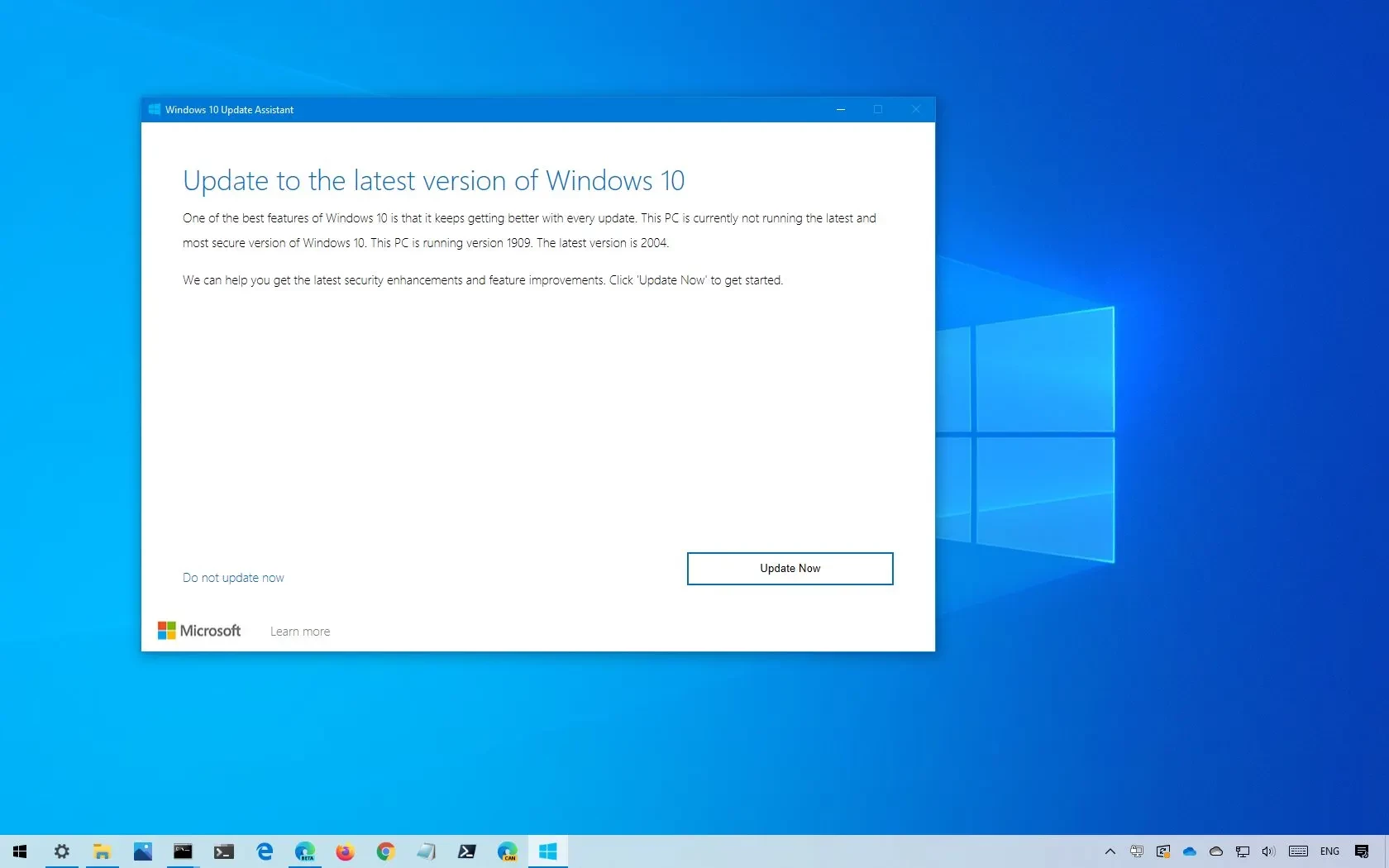
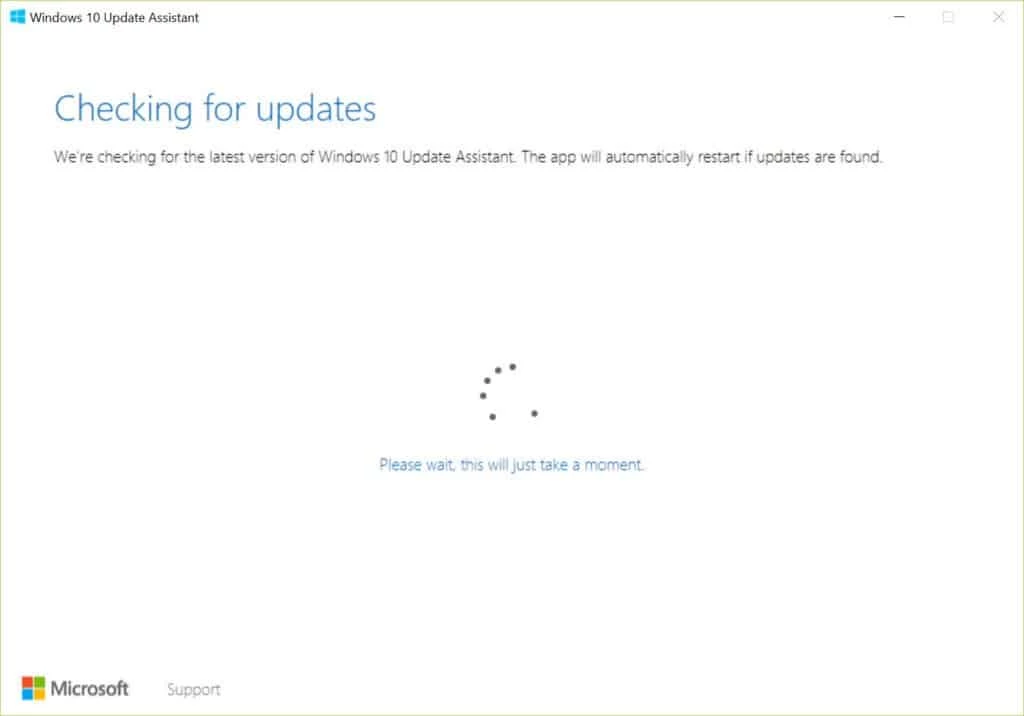
Windows 10 Update Assistant 1.4.19041.2183 is a free tool from Microsoft that updates a Windows 10 PC to the latest version of the system. You can download Windows 10 Update Assistant from Microsoft's site; keep in mind that support for Windows 10 ended on October 14, 2025.
Windows normally installs feature updates through Windows Update, rolling them out gradually. Sometimes a PC is left behind: updates fail, the rollout has not reached the device yet, or the machine was offline for a long time. The Update Assistant takes over in such cases. It checks the hardware, downloads the latest Windows 10 version and installs it while keeping your files, apps and most settings. The process runs in the background with a progress screen, and the PC restarts a few times at the end. The tool is small because it downloads the system itself from Microsoft during the process. According to Microsoft's Windows Update Assistant page, after October 14, 2025 Microsoft no longer provides free software updates from Windows Update, technical assistance or security fixes for Windows 10. The PC keeps working, but Microsoft recommends moving to Windows 11. That makes the Assistant mainly useful for bringing an outdated Windows 10 installation to its final version before deciding what to do next.
| Item | Details |
|---|---|
| Version | 1.4.19041.2183 |
| Developer | Microsoft |
| Purpose | Install the latest Windows 10 feature update |
| Licence | Free |
| Size | about 3.18 MB according to catalogue data |
| Windows 10 support | Ended on October 14, 2025 |
The tool is for PCs that already run Windows 10. Free disk space is needed for the download and installation; if space is short, the Assistant reports it before starting.
Use only Microsoft's site. Files named "Windows 10 update tool" on other sites can be anything, and a system update is the last thing to trust to an unknown source.
If your PC meets the requirements, Windows 11 is the supported path. Check eligibility in Windows Update settings; Microsoft's Update Assistant article explains the Windows 10 side.
The Update Assistant is free.
Related tools on our site include Windows ISO Downloader for installation media and CCleaner for freeing disk space before an update.
Caffeine is a tiny free Windows utility from Zhorn Software that keeps your computer awake and stops the screen from locking or sleeping.

Mem Reduct is a tiny open-source Windows utility by Henry++ that shows memory usage in the tray and frees RAM on demand or automatically.

Advanced SystemCare Free is a Windows optimisation suite from IObit that cleans junk files, manages startup items and monitors resource use.

MSI Kombustor is a free graphics card stress test and benchmark from MSI, used together with MSI Afterburner to check stability.

GS Auto Clicker is a tiny free Windows program from goldensoft that clicks the mouse automatically at a set interval, started and stopped with a hotkey.

CCleaner is Piriform's utility suite for removing temporary files and cleaning up Windows. The free edition covers basic cleaning.

Custom Resolution Utility (CRU) is a tiny free Windows tool by ToastyX for adding custom resolutions and refresh rates to monitors.

NZXT CAM is NZXT's free Windows app for its PC hardware, used to keep an eye on the computer and manage compatible NZXT components.